One List, Whole Family Shopping Together
Share a link — and the list opens for everyone in real time. No accounts, no passwords, no more 'please grab bread' texts.
Create a list for free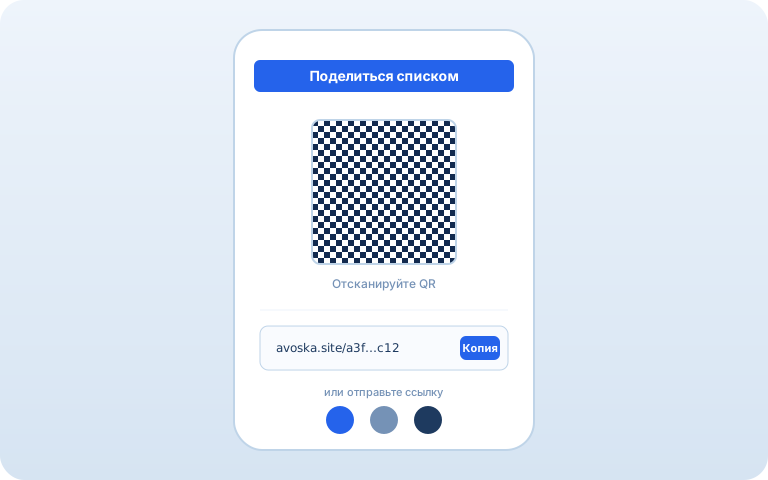
How it works
1. Create the list
One click and you have a list with a unique link.
2. Share the link
Copy it or show the QR code. Any messenger works.
3. Shop in sync
When someone checks an item off, everyone sees the update within a second.
Frequently Asked Questions
How do I share a list with my family?
Once you create a list, Avoska gives you a unique link. Send it in any messenger — everyone who has the link sees the same list and can add or check off items.
Does everyone need an account?
No. Nobody needs a login, password, or email. Lists are identified only by their link — the link is the access key.
What if I lose the link?
Avoska remembers lists you've recently opened in your browser — they appear on the home page. If you clear browser data, save the link to bookmarks or a chat.
Is it secure?
The link contains a 36-character UUID that cannot be guessed. People without the link cannot see the list. This is enough for groceries; use dedicated services for passwords or finances.
Can I make a list private?
All lists are private by default — only people with the link can open them. Search engines do not index these links.
How many lists can I create?
Unlimited. One for home, one for the summer house, one for the holidays. Lists are independent, each with its own link.
See also: Smart list · Works offline · Store cards · AI assistant · Recipes